Do I really need Resolve Studio?
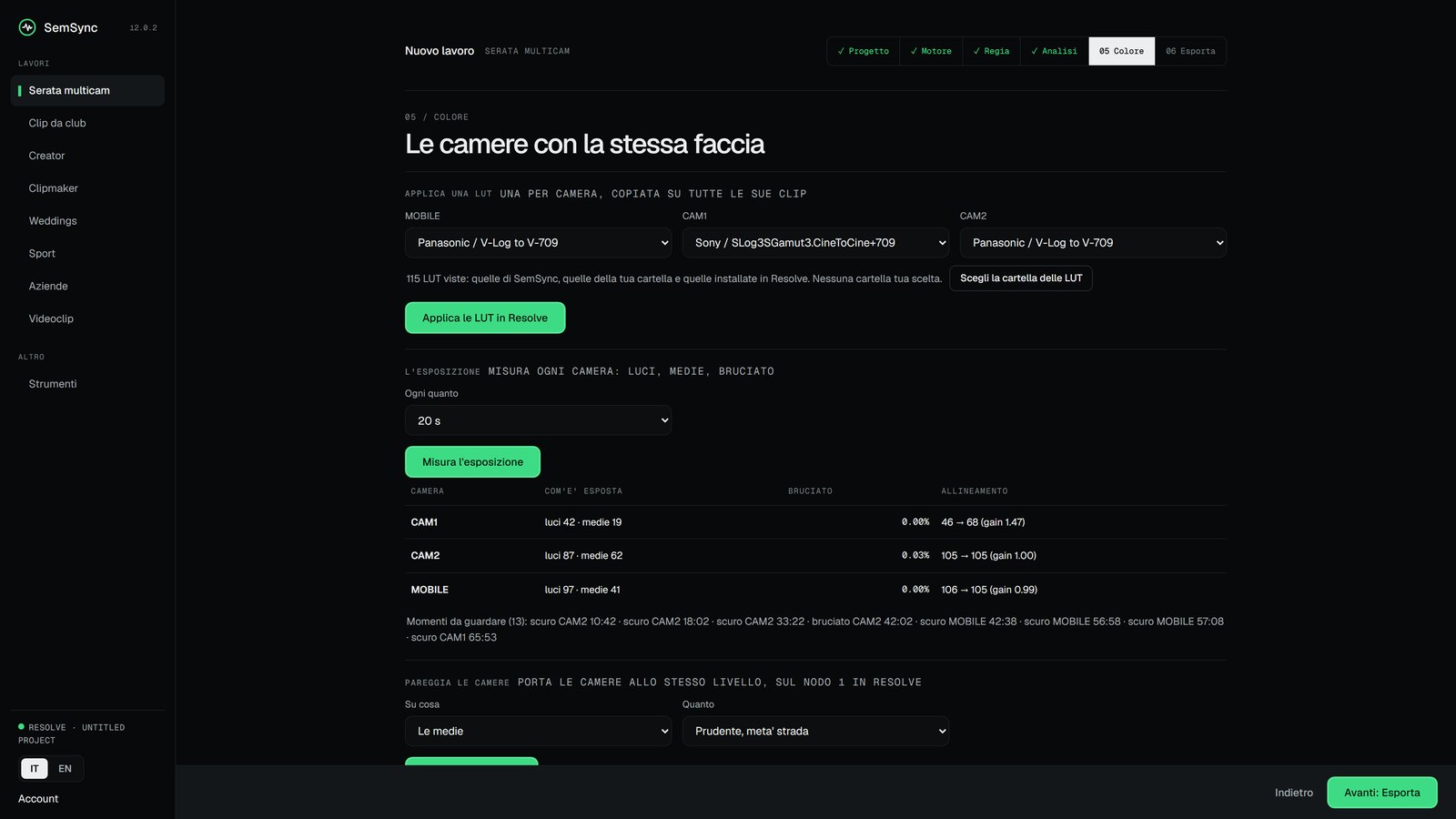
No. With Resolve Studio, SemSync builds the project and the timelines inside Resolve, with nothing to import: it is the only version of Resolve that takes commands from outside. In Premiere Pro there is the SemSync panel: you open it from Window > Extensions and the timeline goes into the open project. With free Resolve or Final Cut Pro, SemSync writes the timeline file and you import it. Colour stays a Resolve Studio thing: the tables and the camera match are written onto its nodes, and they do not fit in a file. Said honestly: we check the file frame by frame at every release, but we have not yet opened it inside a real Final Cut or free Resolve, and the Premiere panel has only just landed. Until someone tells us how it went, we call those paths beta.
What does the Creator plan open?
The Creator and Clipmaker doors: the eye on your footage, the reel from the storyboard, the vertical with the subject followed, subtitles and chapters from the voice, and exports for TikTok, Instagram and YouTube. It does not open multicam nights: for those you need Pro.
Does my footage go anywhere?
No. Everything runs on your computer and your files are never touched: SemSync only reads them. The internet is only needed to link your account.
And if there was no mixer?
The job runs anyway. SemSync takes the camera that filmed the most as the reference and tells you so; if you prefer another one, you pick it. On a real night with no mixer, 20 clips out of 20 were locked. And if the reference camera only covers part of the night, it tells you while it works, not when you watch the video.
Does it give me a finished video?
Both. It gives you a real timeline inside Resolve, with the cuts already in place, and the edit stays yours: you work on it as you like. And if you need a ready video to hand over, that comes out too: the whole set in vertical 9:16 with your colour file, the clips on the drops, the aftermovie. Before telling you it is ready, SemSync checks that the file lasts as long as the edit, and warns you if the music is missing anywhere.
How long does it take?
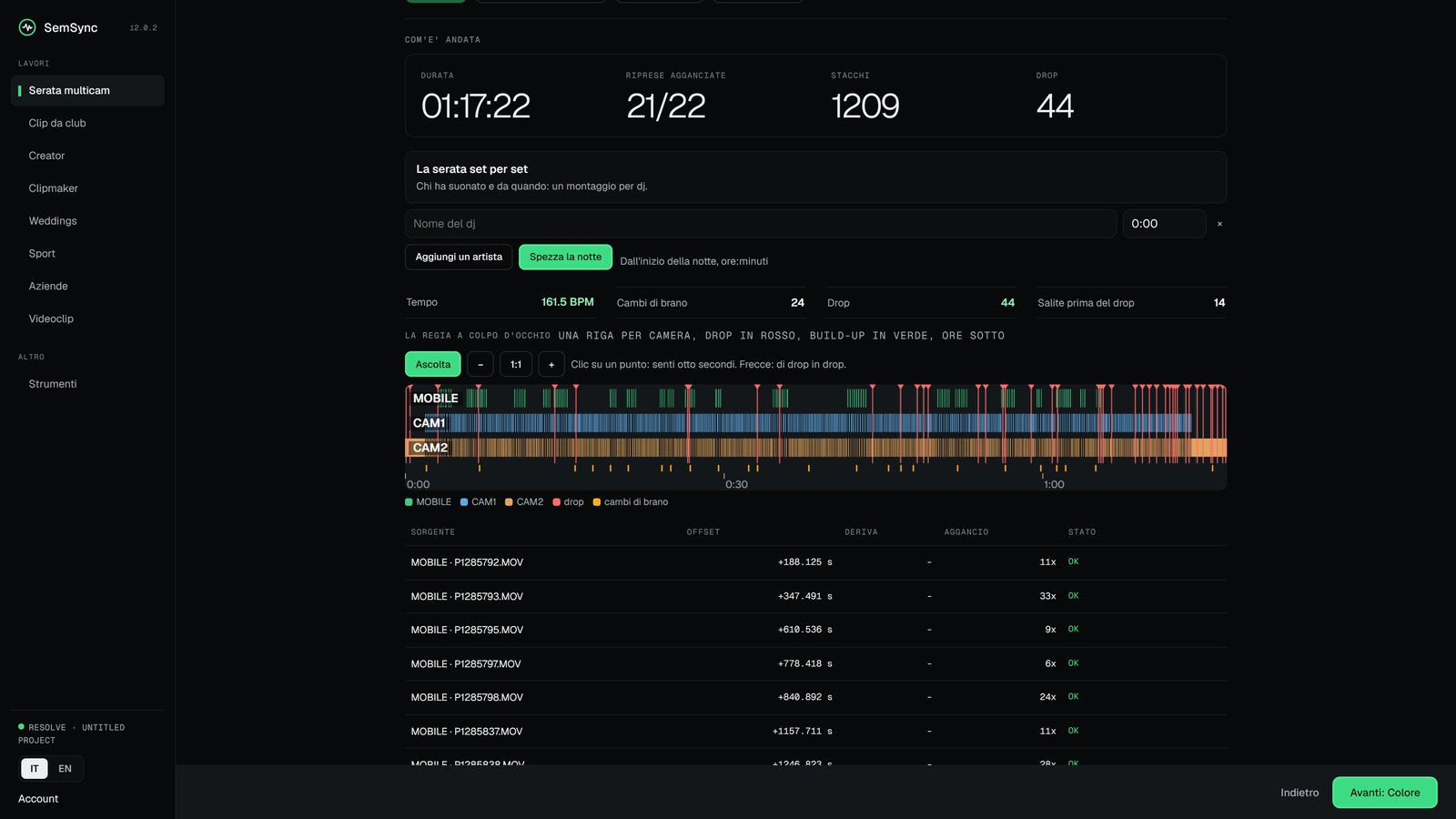
It depends on the computer, on how many cameras and on how long the night is, so we only tell you what we have timed. On 22 September 2026, on a real night: a 77-minute set filmed by three cameras, almost three hours of footage in all. Synced and edited in 4 minutes 18 seconds, 1,197 cuts, on a laptop with an Intel Ultra 9 275HX. We did not take that time with a stopwatch: the program writes it itself at the end of the job, and on your computer it writes yours.
Can it handle a whole festival?
Yes, it is built for that. Write the line-up once, with each artist's time and genre, and SemSync prepares a folder for each one. You copy the cards when an artist steps off the decks; their set comes out on its own, synced, edited and also vertical 9:16 with your colour, one after another, even with the app closed. A board tells you who is ready, who is in the queue and how much drive you have left, told in hours of party. If a set breaks, it is marked to redo and the others carry on.
Does it work on Mac?
Yes. It is the same package and the same code, and on two real Macs it did everything: install, licence, syncing the night, the timeline in Resolve and exporting the videos. For now you install it from the ZIP; the double-click installer comes later.
What formats does it read?
MP4, MOV, MXF, WAV, MP3 and the common formats. It also works on files over a hundred gigabytes without copying them.